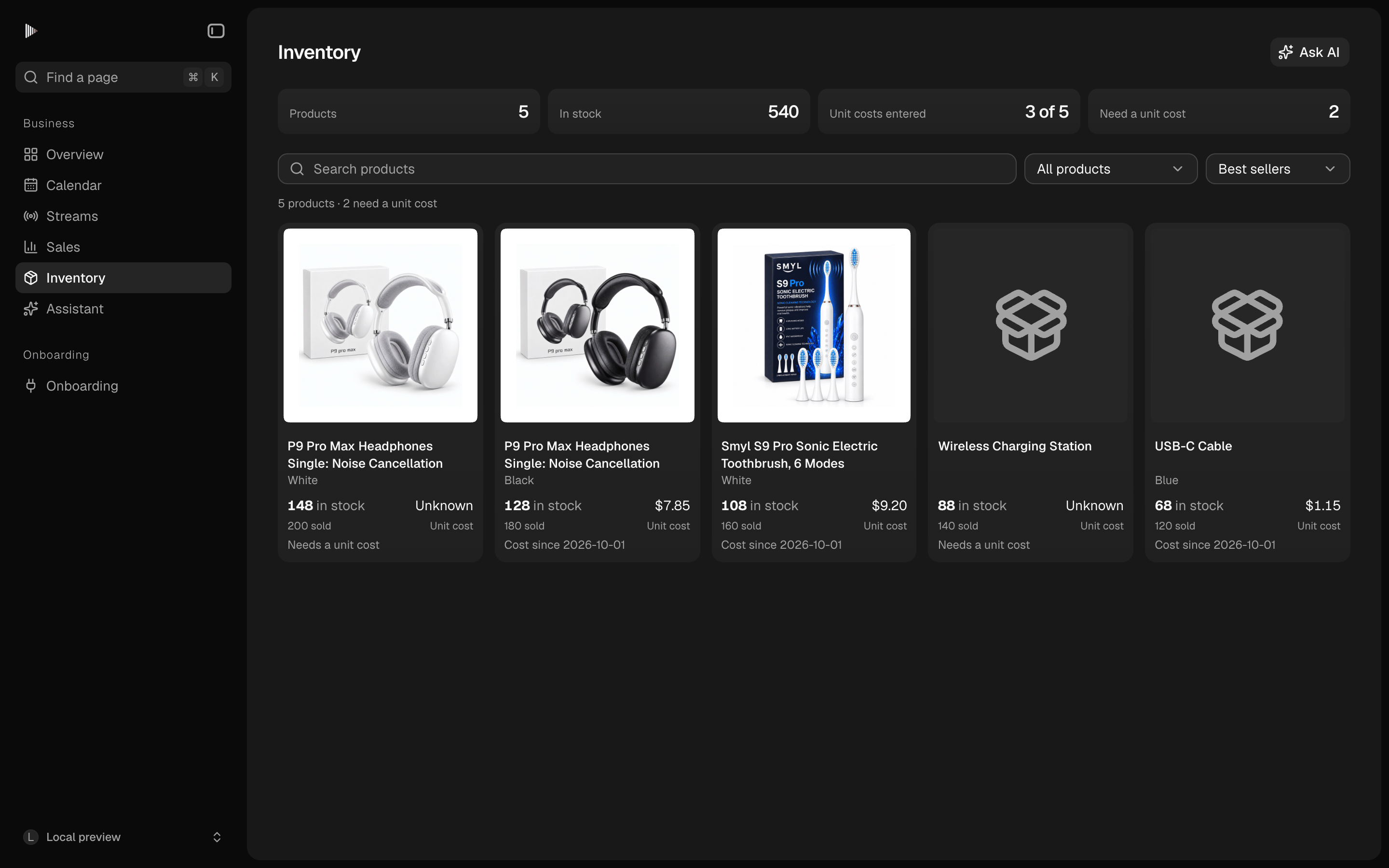
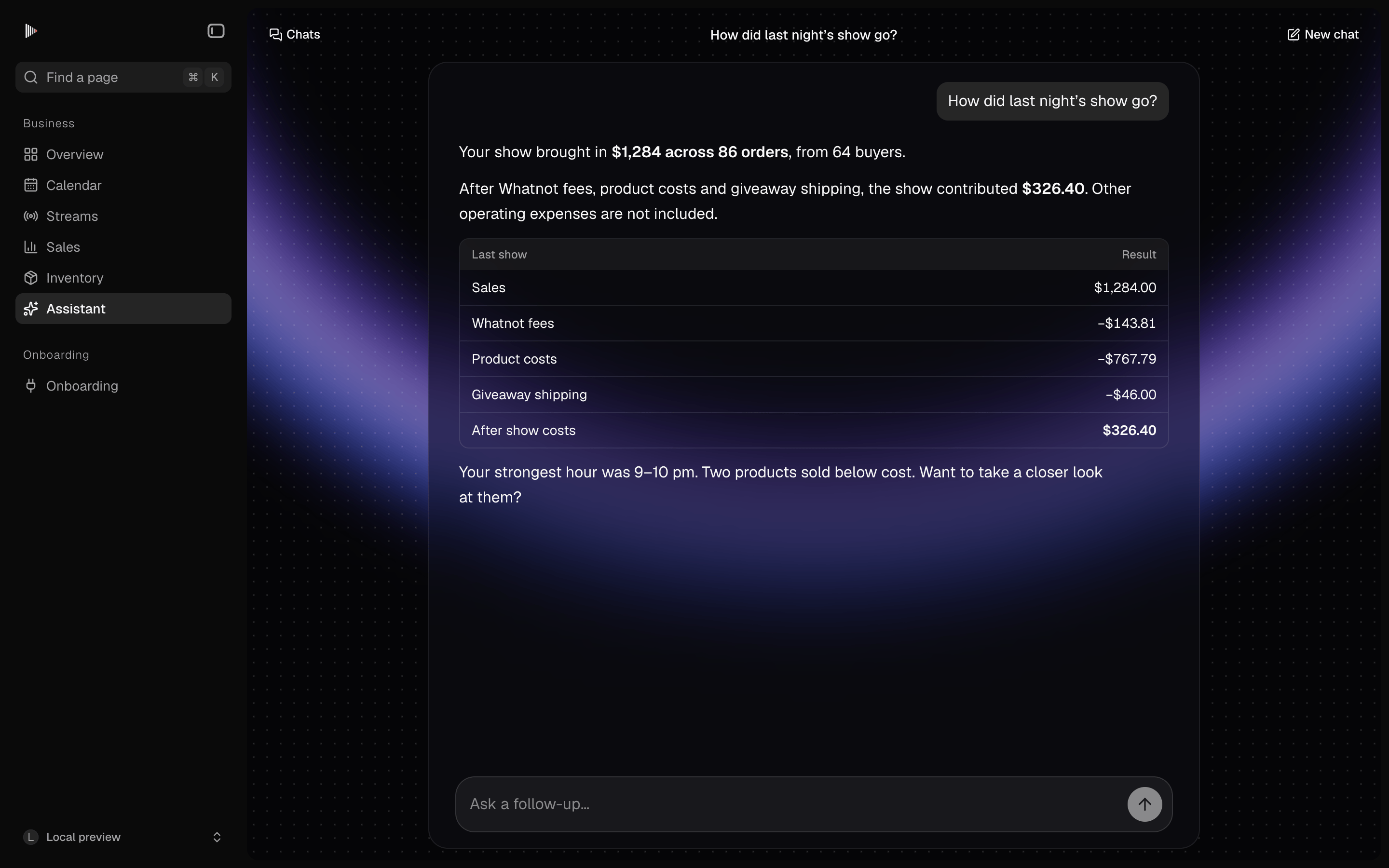
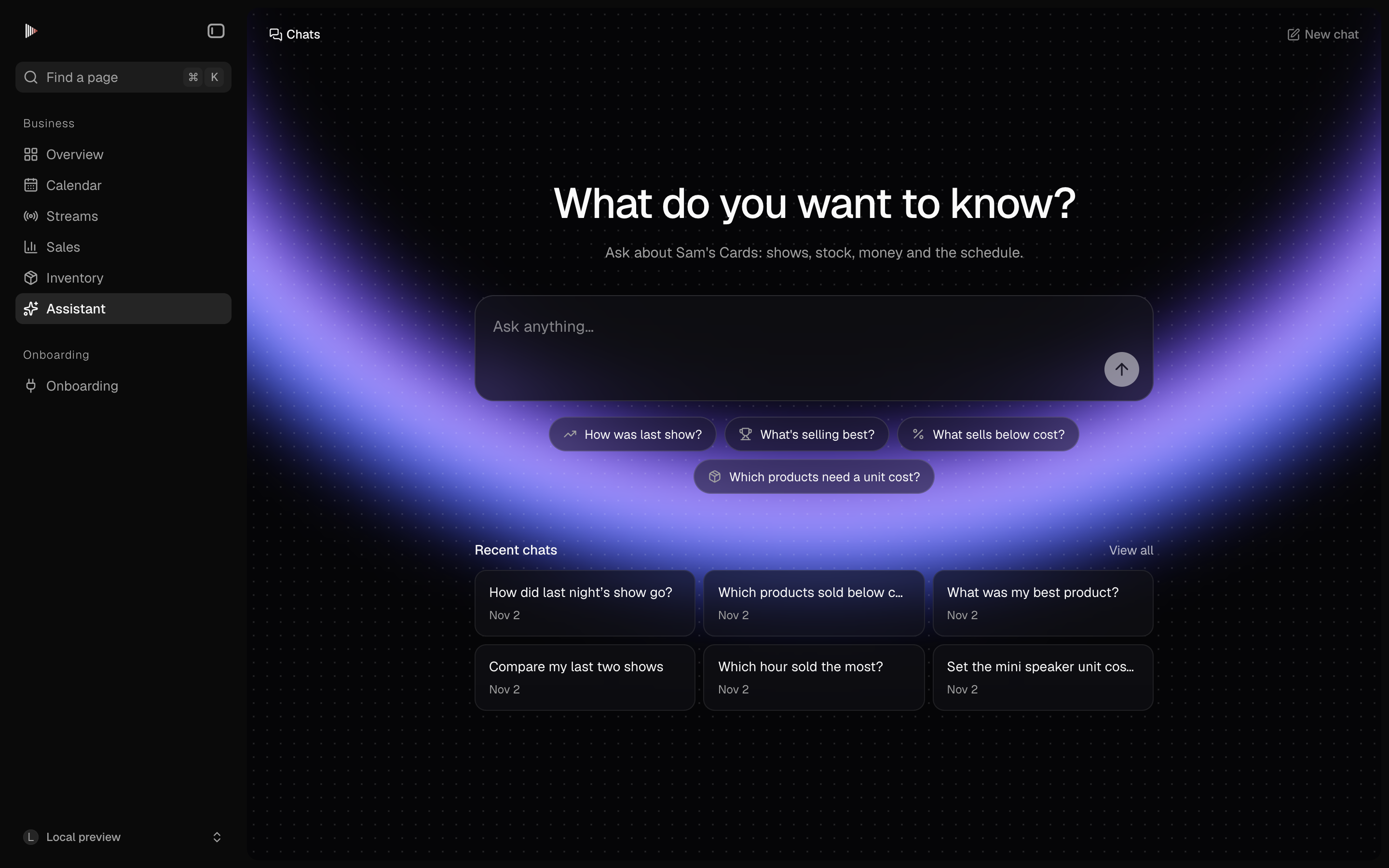
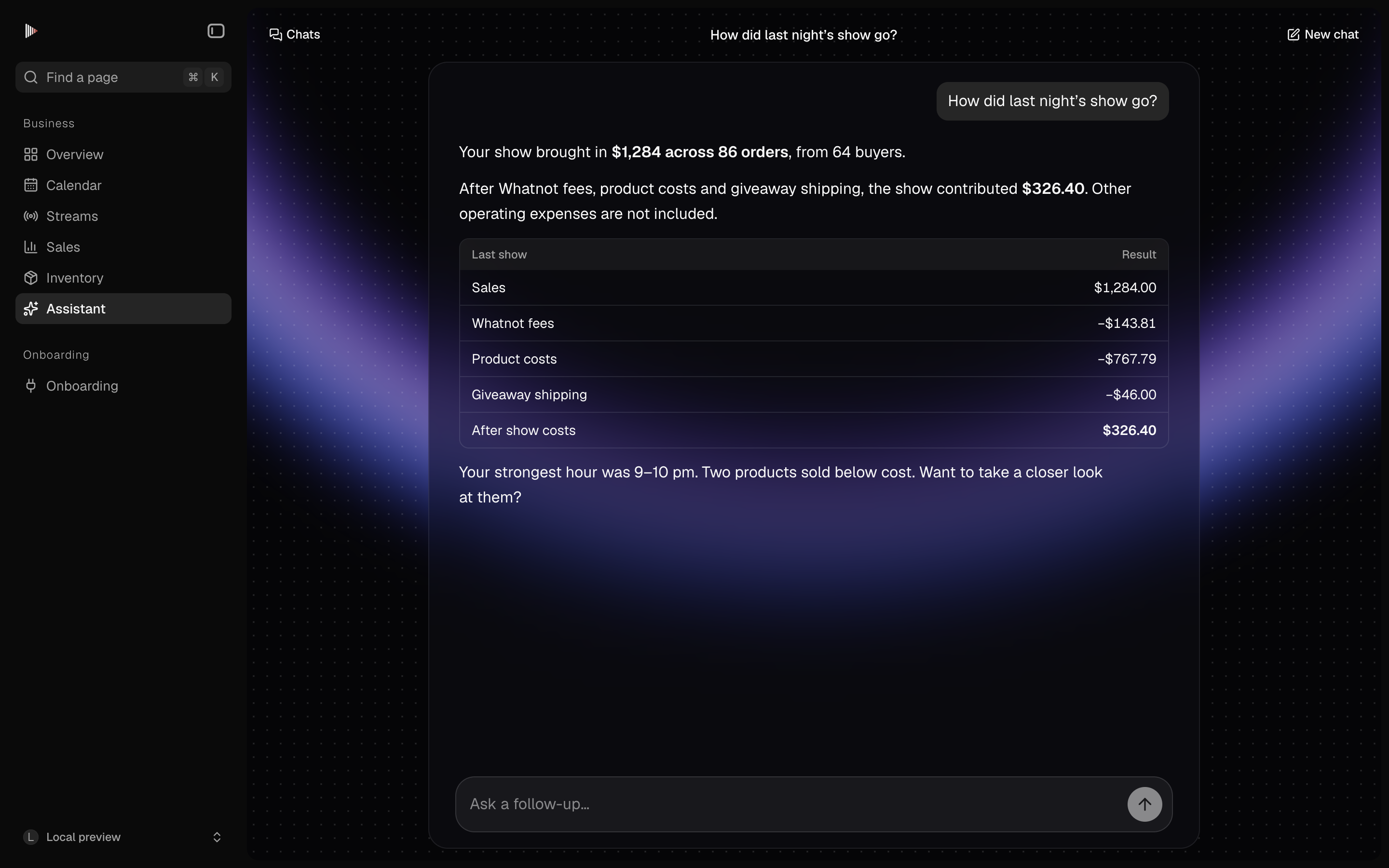
A preview of the routines we’re building. Today, ask the assistant to recap a show or check a product.
Built on Your Whatnot Data
Agents use the orders, fees and giveaways that Realstream imports from your live auction accounts.
Flags What Needs a Look
Products sold under cost, missing unit costs and low stock are flagged before your next show.
Drafts, Then Waits
Agents write the recap or the list, then wait for you to confirm any change they suggest.
Less Work After Shows
The recap is ready when the stream ends, so you spend less time on spreadsheets after a show.
Start with agents built for live sellers
Pick from ready-made agents for the work most live sellers repeat every week, so you do not start from a blank page.
Show Recap
After each show, pull the night's orders, fees and giveaways, work out profit and write a short recap.
Sold Under Cost
Every morning, list the products that sold for less than their unit cost the night before.
Stock Check
Before a show, check stock for every product on tonight's run sheet and flag anything running low.
Missing Unit Costs
Find products that sold without a unit cost, so profit for the night is not missing anything.
Pick when each agent runs
Each agent shows its steps in order, and you choose when it runs.
Steps You Can Read
Each agent is a short list of plain steps, like pull orders, work out profit and write the recap.
Runs When You Need It
Set an agent to run after each show ends, every morning, or before you go live, and it does the same work every time.
Works from your own Whatnot data
Agents read the orders, fees, giveaways, unit costs and stock that Realstream already has.
Orders, Fees and Giveaways
Agents read every order, fee, giveaway and payout that Realstream imports from each live auction account you connect.
Unit Costs and Stock
Agents use your unit costs and stock per product. When several live auction accounts share the same shelf, stock is counted once.
Starting agent
Reading tonight's run sheet
Matching 38 products
Counting stock per product
Combining shared accounts
Checking unit costs
Flagging 4 low on stock
Drafting stock notes
Ready for your review
Stock check is ready!
You confirm every change
Agents draft and flag. Nothing in your records changes until you press Confirm.
Drafts and Flags
Recaps, lists and flags show up in Realstream for you to read. Nothing is sent or changed on its own.
Confirm to Apply
When an agent suggests a change, like a missing unit cost, it waits until you press Confirm.
Run agents across all your accounts
Run the same agent for every live auction account you connect. Each step and its result stays visible, so you can see how the agent got its answer.